

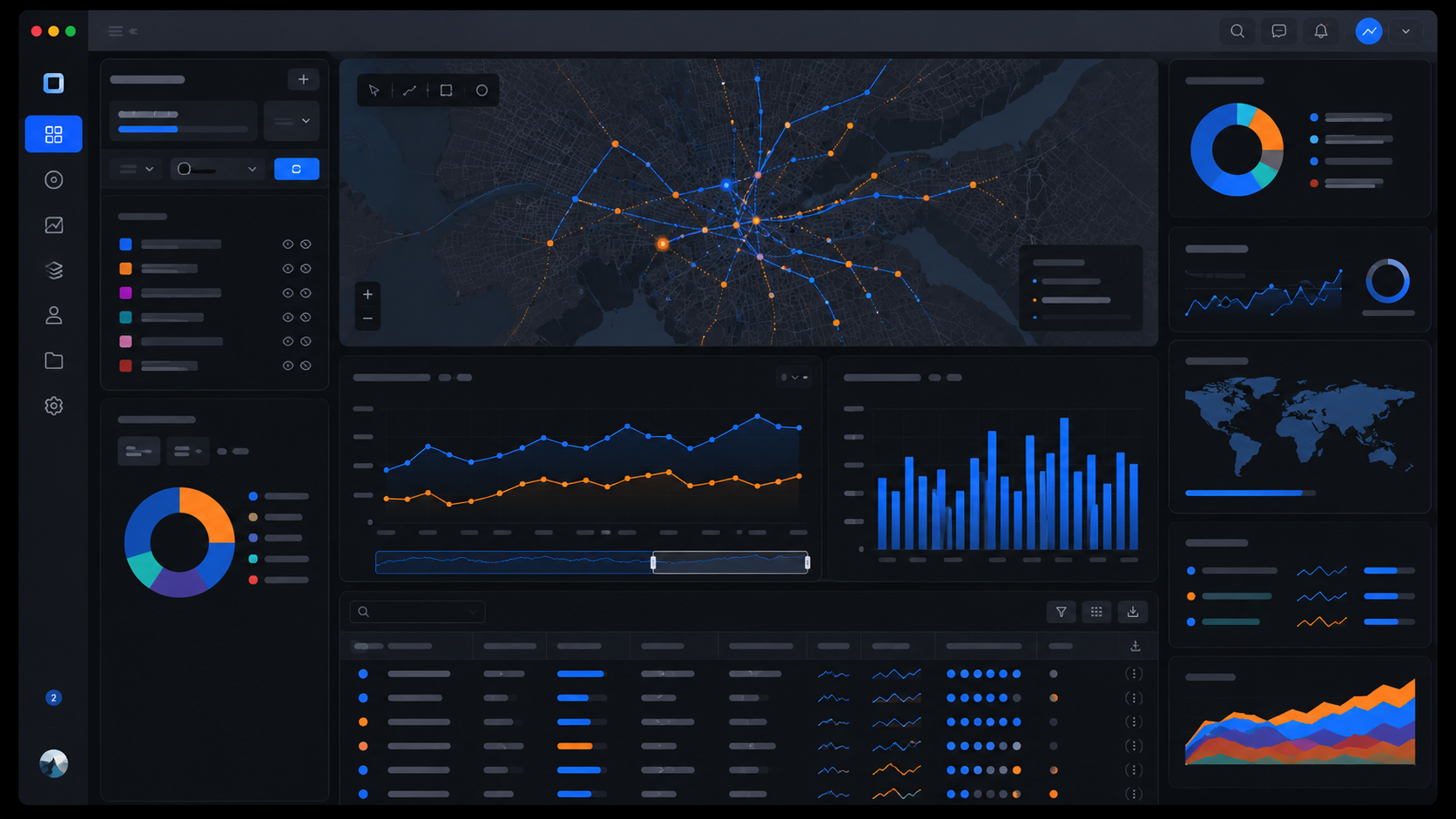
Decision-ready analytics workspace

Decision Studio

Upload a structured dataset, surface what matters quickly, and leave with leadership-ready visuals plus clear next-step recommendations.

NextGen Advisors software

Turn structured data files into decision advantage.

Decision Studio gives customers a faster way to upload structured data, diagnose what matters, produce polished visuals, and generate advisory guidance they can actually use. Start free to validate the workflow, move into Pro for broader formats and protected output, and engage NextGen when you need enterprise-grade deployment, integration, or tailored mission delivery.

Free Explorer handles CSV and Excel files for quick orientation and first-pass analysis Decision Studio Pro unlocks broader data formats, richer visualization controls, and authoritative day-to-day use Mission Deployment adds NextGen-led tailoring, workflow control, and environment-specific delivery
Decision-Quality™ analysis Leadership-ready visuals Advisory guidance with clear next steps

Choose the right operating model

  • Explorer: best for quick use, orientation, demonstrations, and lightweight first-pass analysis on CSV or Excel files.
  • Decision Studio Pro: best for authoritative general use when teams need broader file support, richer chart controls, durable saved work, and the protected advisor workflow.
  • Mission Deployment: best for authoritative mission-specific use when NextGen needs to tailor controls, workflows, outputs, and deployment to the customer environment.

Data Guide

See the major types of data, how they are structured, where they typically live, and what kinds of analysis or decisions they can support.

Visual Guide

See the major ways to visualize data, when to use each format, and how different charts help explain trends, comparisons, distributions, and relationships.

AI Guide

See the major families of AI, what each one does, the data they use, how they work, and the outputs or decisions they can support.

Analytics Guide

See the major analytic types, the question each one answers, and how to choose the right mode for explanation, forecasting, prioritization, and action.
01

Show what changed

Move quickly from uploaded data to trends, distributions, segments, and drivers that a decision-maker can understand.

02

Support the conversation

Create visuals and summaries you can use in a client review, leadership update, or program discussion without rebuilding the story by hand.

03

Keep the work

Signed-in users can save analyses, return later, and build a more repeatable workflow instead of starting from scratch every time.

04

Grow into delivery

When the use case proves out, NextGen can turn the product experience into a pilot, private environment, or customer-specific solution.

Free

Explorer

$0

Best for quick use, orientation, demonstrations, and lightweight first-pass analysis.

Orientation tier · not authoritative
  • Upload CSV and Excel files for fast browser-based analysis
  • Use core charts, descriptive summaries, and the local advisory preview
  • Save one workspace after login
  • Ideal for evaluation and early workflow fit checks
  • Not intended to be the authoritative operating environment
Enterprise

Mission Deployment

Contact us

For organizations that need private deployment, mission-specific controls, tailored workflows, and implementation support.

Authoritative for mission-specific use
  • Private or customer-specific deployment approach
  • Mission-tailored controls, parameters, workflows, and branded outputs
  • Custom data connectors and review structures
  • Implementation, training, and decision-support guidance from NextGen
  • Clear path from pilot to scaled delivery

ACCOUNT & ACCESS

Start free. Upgrade when the workflow proves itself.

Guest mode is active. Start with a CSV or Excel file, or sign in to save workspaces and activate paid access.

Status Guest mode
User No active account
Plan Free

DATA IN

Upload a supported data file

Explorer supports CSV and Excel for fast evaluation. Decision Studio Pro and Mission Deployment add broader structured, geospatial, and linked-data formats, URL loading, richer controls, and a stronger production workflow.

Explorer: CSV and Excel Pro: JSON, GeoJSON, XML, RDF, KML, KMZ, GML, TSV, TXT, URL loading, geospatial views, and advanced controls Enterprise: customized controls and deployment-specific workflows

SAVED WORKSPACES

Saved workspaces and recurring reviews

Sign in to unlock saved workspaces.

Sign in to save and reload workspaces.

Dataset status

No dataset loaded yet.

Awaiting upload
Rows
Columns
Numeric fields
Missing cells

PROFILE

Schema and data quality

Load a dataset to see the schema.
Load a dataset to review completeness, missingness, and field-level quality risks before you brief findings.

DESCRIPTIVE

Numeric summary

Load a dataset to surface numeric ranges, central tendency, and spread across key measures.

VISUAL CATALOG

Chart categories available for this dataset

Load a dataset to see which chart categories are available.

DISTRIBUTION

Histogram and box plot

Choose a numeric field to see distribution, concentration, and outliers.
Choose a numeric field to compare spread, median, and extremes.

RELATIONSHIPS

Scatter plot and correlation matrix

Choose two numeric fields to test whether movement in one measure tracks with another.
Choose at least two numeric fields to compare directional strength across key measures.

TRENDS

Time series trend view

Add a date field and metric to see how performance, demand, or risk changes over time.

SEGMENTS

Category performance view

Choose a category and metric to compare which groups are leading, lagging, or shaping the result.

DRIVERS & CLUSTERS

Driver analysis and lightweight segmentation

Select a target metric to rank which variables appear most related to movement in that outcome.
Choose numeric dimensions to see whether the data separates into meaningful groupings.

GEOSPATIAL

Map coverage and feature structure

Upload a GeoJSON, KML, or KMZ file to unlock the geospatial map.
Load geospatial data, or coordinates, to review coverage, footprint, and location structure.
Map-ready views will summarize geometry mix, footprint, and feature distribution here.

LOCAL ADVISOR

Free advisory preview

See how NextGen packages advisory workflows
Load a dataset to generate advisory guidance.

SECURE ADVISOR

Protected advisor workflow for Pro and Enterprise

Use the free advisor to validate the workflow first. Then use Pro for protected server-side advisory output, broader file support, map-ready views, durable saved work, and a stronger recurring production workflow.
Upgrade to Pro or Enterprise to generate a protected server-side memo from your dataset, selected views, and business context.

ENTERPRISE

Request an enterprise-grade solution

Tell NextGen what environment, workflow, mission set, or deployment constraint you care about most so we can shape the right pilot or implementation path.

SUPPORT

Ask for help

Use this for onboarding questions, product issues, paid access activation, or help getting the workflow set up for your team.

FEEDBACK

Shape the roadmap

Tell NextGen what would make this more valuable in a real client, program, or mission workflow.